ERP Software in Singapore for Growing Businesses
Manage stock, sales, purchases, POS and reports from one system. Built for retailers, wholesalers, F&B outlets and multi-outlet SMEs. Stop reconciling spreadsheets at the end of every day. Our ERP system keeps every outlet, warehouse and transaction in one place.
Overview
What Is an ERP System?
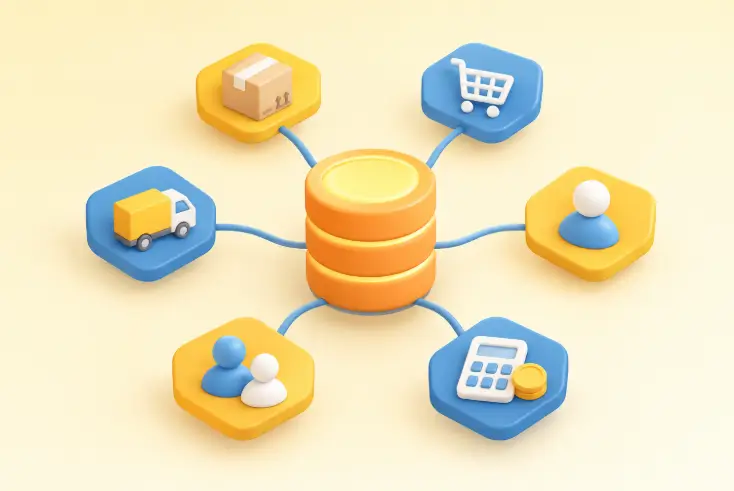
An ERP (enterprise resource planning) system is software that connects the core parts of a business in one database. Stock, sales, purchasing, customers, staff and finance records all sit in the same place.
Without it, most SMEs run on separate tools: the POS in one app, stock in a spreadsheet, invoices from accounting software. Someone then spends hours matching the numbers.
An ERP system removes that gap. When a cashier completes a sale, stock levels, sales reports and customer records update together.
Why it matters
How ERP Software Helps Singapore Businesses
Many local SMEs run several outlets, a central store and an online shop with a small team. ERP software needs to solve a few practical problems:
One source of stock data
See what is on the shelf at every outlet and warehouse without calling each site.
Fewer manual entries
Sales, purchases and returns update inventory automatically.
Faster month-end
Sales, purchase, expense and profit reports come from the same records.
Clear accountability
User roles and an activity log show who changed what and when.
Room to grow
Add outlets, warehouses, users and products without changing systems.
At a glance
Awebstar's ERP System at a Glance
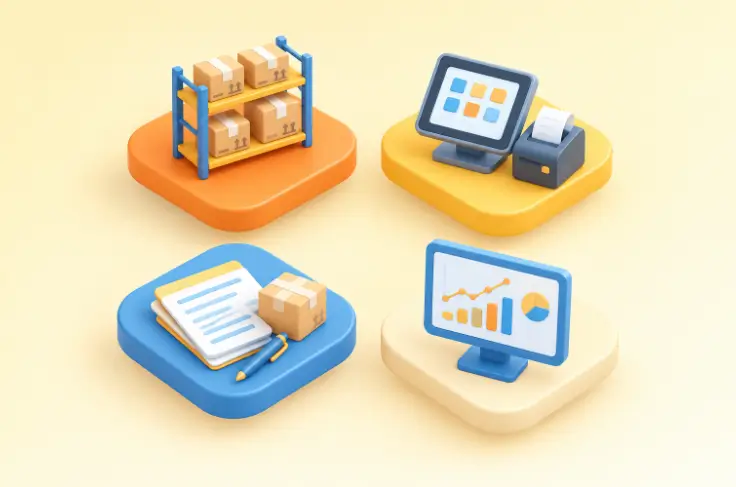
Our ERP brings inventory, point of sale, purchasing, sales and reporting into one web-based platform. It runs in a browser on desktop, tablet and phone, so counter staff and office managers work from the same live data. It suits retail shops, wholesalers, F&B outlets, pharmacies and multi-branch businesses.
Inventory
Products, variants, stock counts, transfers and low-stock alerts.
Point of Sale
Fast checkout, barcode scanning, multiple payment methods and receipts.
Sales & Purchases
Quotations, sales orders, purchase orders, returns and payments.
Reports
Profit and loss, stock valuation, sales trends and customer performance.
Not sure which modules your business needs? Speak with our team for a walkthrough based on your workflow.
One ERP Platform. Complete Control Over Your Business.
Connect your people, processes, and resources through an integrated ERP platform. Manage everything from customer relationships and procurement to financial operations and production with greater clarity and control.
Industries We Serve
Awebstar’s ERP adapts to how different businesses buy, sell, produce and deliver, from a single shop to a multi-site operation.
Inventory
Inventory and Stock Management
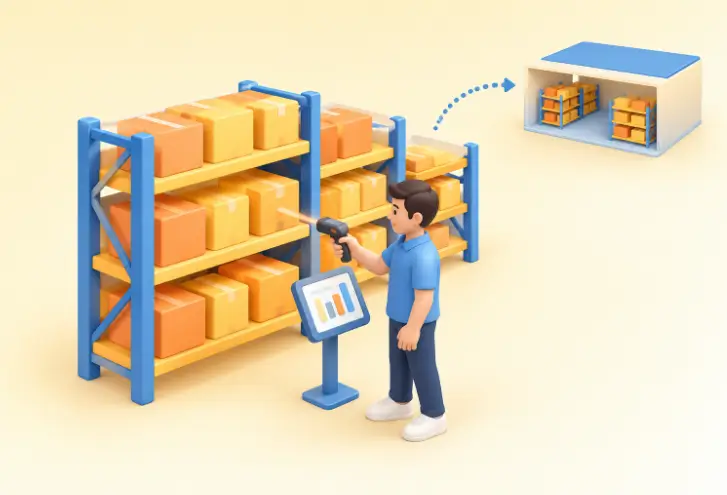
Stock errors cost money in two ways: lost sales from empty shelves and cash tied up in slow stock. The inventory module gives you a single, accurate count across every location — for one shop or many sites.
With a central store, these tools cover much of what a basic warehouse management system handles each day.
- Multi-warehouse stock: track by warehouse or outlet and move stock between them.
- Variants and units: sizes, colours and units without duplicate products.
- Barcode labels: print and scan at receiving and checkout.
- Batch, expiry and serial tracking: IMEI/serial numbers and regulated batches.
- Stock counts and adjustments: physical counts and write-offs with an audit trail.
- Low-stock alerts: get notified below set quantities.
- Bulk import: products and opening stock from Excel or CSV.
Point of Sale
Point of Sale for Counters and Outlets
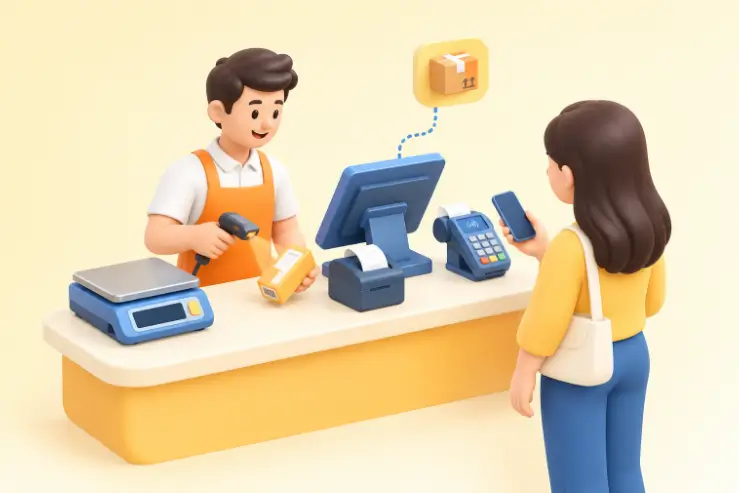
The POS module connects directly to inventory. Every sale reduces stock at the right outlet in real time.
- Search by name, code, category or brand, or scan a barcode.
- Accept several payment methods in a single transaction.
- Apply item discounts, taxes and shipping at checkout.
- Print on thermal printers or send receipts by email or SMS.
- Use digital weighing scales for products sold by weight.
- Show a customer-facing display at the counter.
- Keep selling during an internet outage with offline mode.
Sales & purchasing
Sales and Purchase Management
Sales and purchasing share the same product and stock records, so margins reflect actual purchase costs rather than estimates.
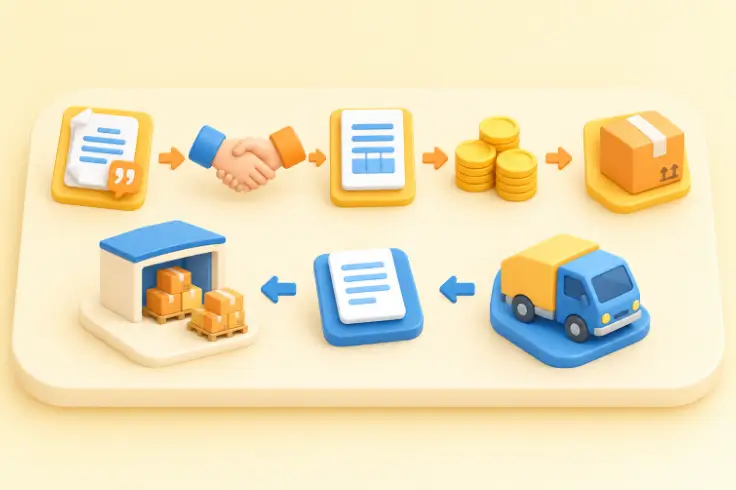
On the sales side
- Create a quotation and convert it to a sale in one step.
- Record full or partial payments per invoice.
- Track amounts due by customer.
- Process returns and refunds with automatic stock updates.
On the purchasing side
- Raise purchase orders to suppliers.
- Receive goods and update stock on delivery.
- Record supplier payments and balances.
- Spread freight and customs costs to see true landed cost.
Control
Business Operations and Workflow Control
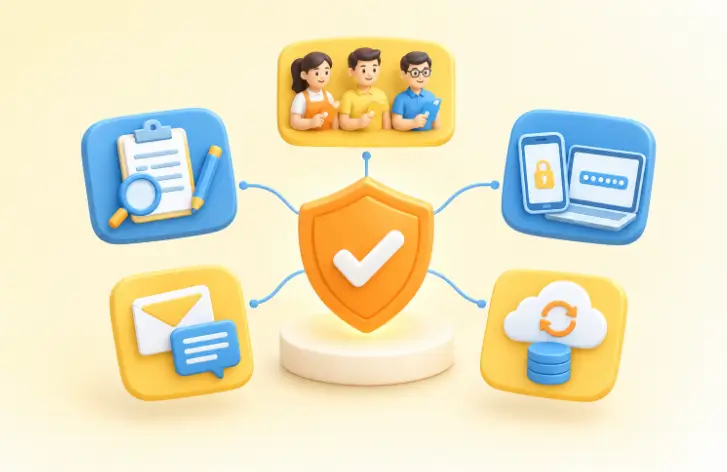
Daily operations depend on clear roles and fewer handovers. The system supports this in a few practical ways:
Role-based access
Cashiers see the POS, buyers see purchasing, managers see reports.
Audit log
Who created, edited or deleted a record, with before and after values.
Login security
Two-factor authentication, failed-login lockout and auto logout on shared terminals.
Templates
Default email and SMS templates for sales, quotations, purchases and returns.
Automated backups
Scheduled backups protect your business data.
Insights
Reporting and Business Insights
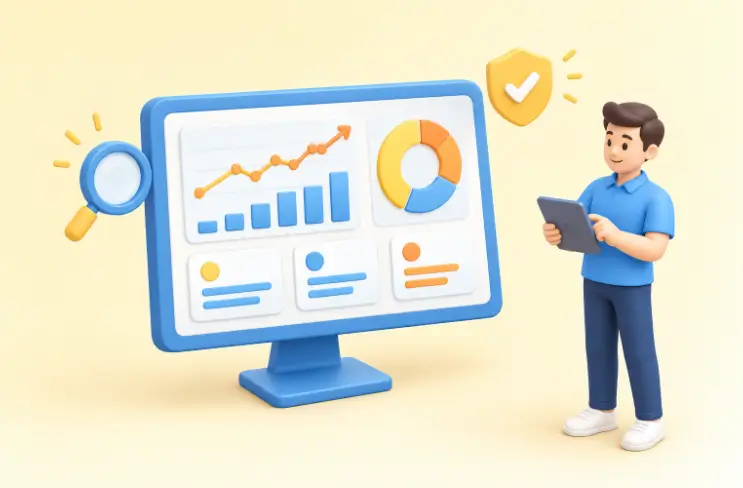
Good decisions need numbers you trust. Because every transaction feeds the same database, reports stay consistent across departments.
| Report | Question it answers |
|---|---|
| Profit and loss | Are we making money this month, and where? |
| Stock valuation | What is our inventory worth at cost and at selling price? |
| Sales by product, category, brand | Which lines sell, and which sit on the shelf? |
| Customer and supplier reports | Who are our best customers, and who do we owe? |
| Payment and reconciliation | Do payments received match sales recorded? |
| Warehouse stock reports | How much stock sits in each location right now? |
| Expense and deposit reports | Where is cash going each period? |
All reports can be filtered by date and warehouse, then printed or exported.
Industries
Benefits for Different Business Types
| Business type | Typical challenge | How the ERP system helps |
|---|---|---|
| Retail shops and boutiques | Stock spread across outlets and sizes | Variant tracking, outlet transfers and one POS for all branches |
| Wholesale and distribution | Large orders, credit terms and supplier costs | Quotations, partial payments, amounts due and landed cost |
| F&B outlets and cafes | Fast service with ingredient and supply control | Quick POS checkout, purchase orders and expense tracking |
| Pharmacies and health stores | Expiry dates and batch control | Batch and expiry tracking with low-stock alerts |
| Electronics and mobile shops | High-value items needing traceability | IMEI and serial tracking with warranty records |
| Multi-outlet SMEs | No single view of the business | Central dashboard and reports by warehouse or outlet |
Small business
ERP Software for Small Businesses
Small teams often assume ERP is only for large companies. In practice, ERP software for small business owners removes the admin that takes up evenings and weekends. Start with inventory and POS, then add HR or accounting tools when needed.
Integrations
Integrations and Online Sales
Sell in stores and online while connecting your physical stock with your online channels.
WooCommerce
Two-way sync of products, orders and stock levels.
Shopify
Product and stock sync with your Shopify store.
Xero
New sales sync to your accounting records.
Built-in online store
A storefront that draws on the same inventory.
Need a new store to connect? We also build ecommerce websites and provide Shopify development services.
Why Awebstar
Why Choose Us
The team behind your ERP software matters as much as the features.
Local team in Raffles Place
An in-house team in Singapore, not an overseas reseller.
12+ years of delivery
Over 5,000 web and software projects for Singapore businesses.
One system, not five
Inventory, POS, purchasing, sales, HR tools and reports in one platform.
Setup around your workflow
Warehouses, roles, tax settings and templates configured to how you operate.
Data migration support
We load products, customers, suppliers and opening stock from your spreadsheets.
Ongoing support
Training and answers available after go-live.
Process
How We Implement Your ERP System
Ready to Run Your Business From One System?
Tell us how your business operates today. We will show you how Awebstar's ERP system fits your outlets, stock and team.